

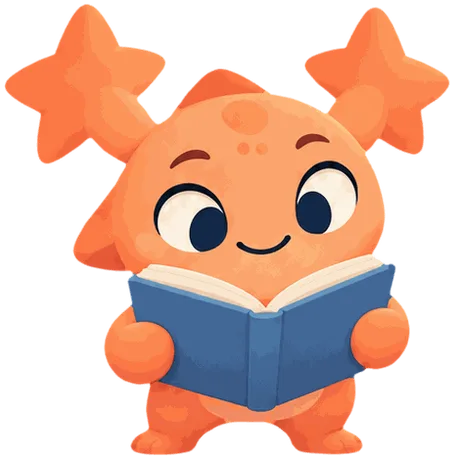
The Room tab is a cozy room for your child's companion. The title says whose it is, like "Pip's Room."
Every child starts with a room
New rooms are not bare. Every child starts with a free starter room, so there is a place to begin.
What is in it
Three things in the Room show what your child has made and earned:
- Badges are on the pinboard.
- Games are the game box on the desk.
- Stories are on the bookshelf.
Each one is pale until your child has something to show. Tapping an empty one explains what to do to make it appear.
Under the room is Made by you. It lists the things your child saved, each with a play or open button. When it is empty, it says, "Your first creation will appear here."
Decorating
- Tap Decorate.
- Pick a spot in the room.
- Pick something for it from what your child owns.
- Look at the preview. The app says, "A preview. Tap Save to keep it."
- Tap Save, or Cancel to throw the preview away.
Putting something in the room costs nothing. Buying is done in the Shop. See Coins and the Shop.
Whose room it is
The Room belongs to the child, not to a companion. If your child changes companion, the room stays as it was.
Who can see it
Nothing here is posted anywhere. In the app, only your child and grown-ups with access to their account can see what they made. See Who can see your child's information.
